CSV Importer
We are immensely proud of our Comma Separated Values (CSV) Importer, a major feature of v1.1 released last week and we hope all you researchers will find it a huge asset.
Traditionally, records were transcribed and recorded in a spreadsheet format where details were captured such as name, address, occupation and birthdate.

An example CSV file of historical data
Now, located within Tools on the navigation bar, the importer enables the rapid import of spreadsheets saved, in CSV format, to ensure a speedy population of a database from census, parish registers, electoral rolls or a simple list of names recorded from a book index. Of course, you may just wish to manually enter data into your project and that’s fine too.
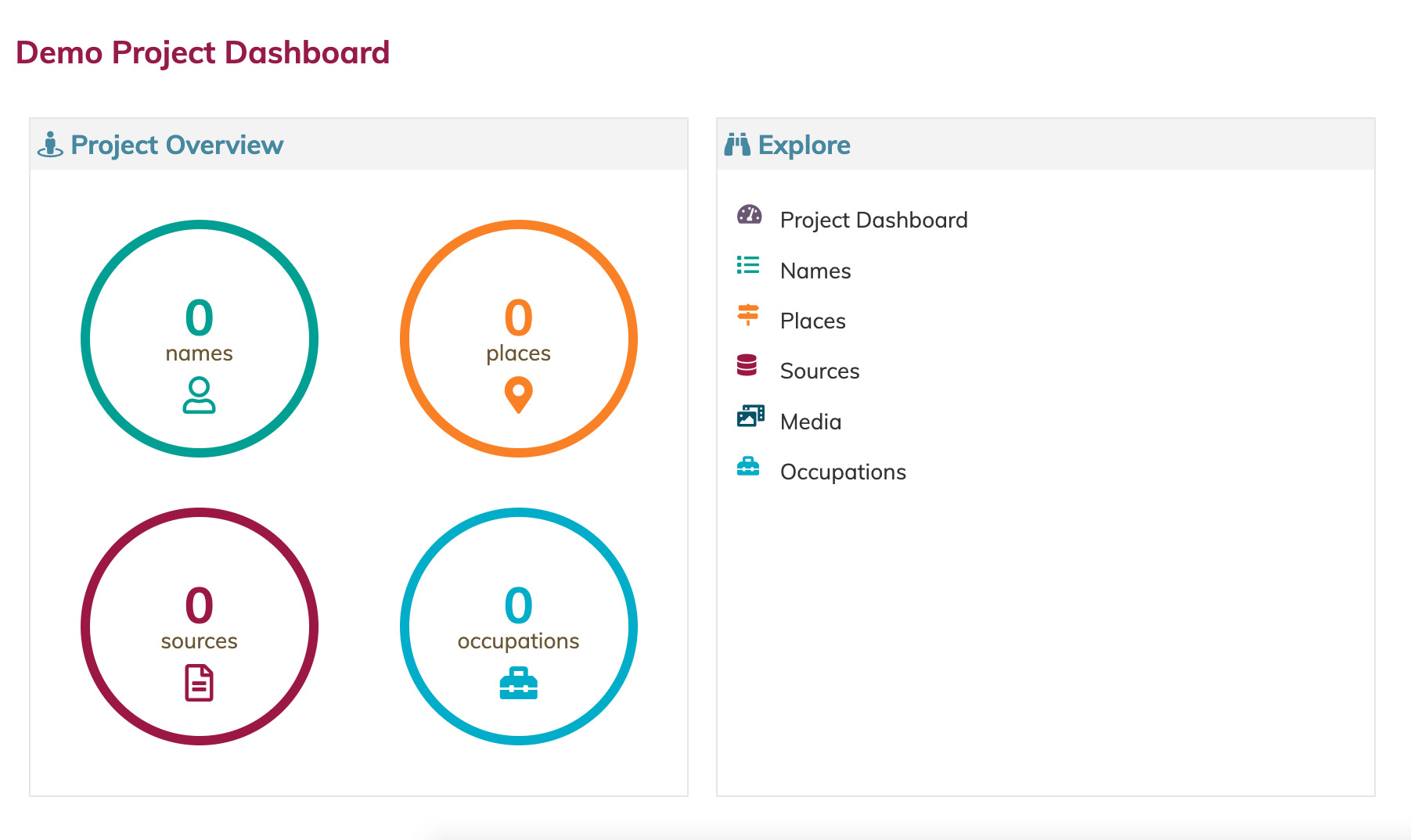
The Dashboard for an empty project
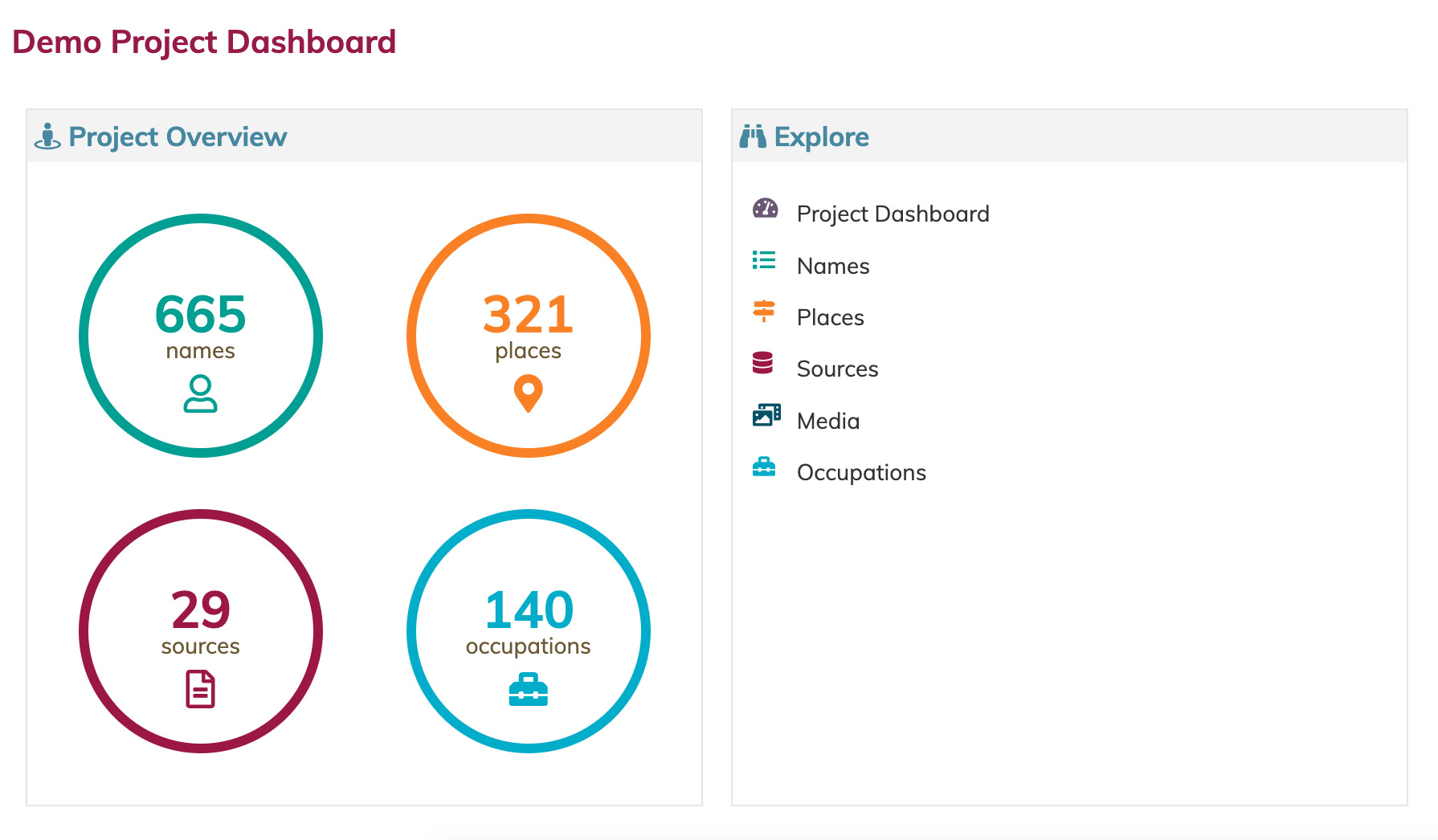
The same project after a CSV import.
To assist you in structuring your data to be compatible with our importer, we have produced some CSV templates which can be found in Help > Help And Support > Resources on the Navigation Bar. Full instructions are provided to retain compatibility and recognise Name & Place headings and guide you effortlessly through the import process. We recommend using the original source details within a hierarchy to best analyse your research and again, full directions are available. We are currently filming a YouTube video for those who prefer visual assistance as we all have different learning styles.
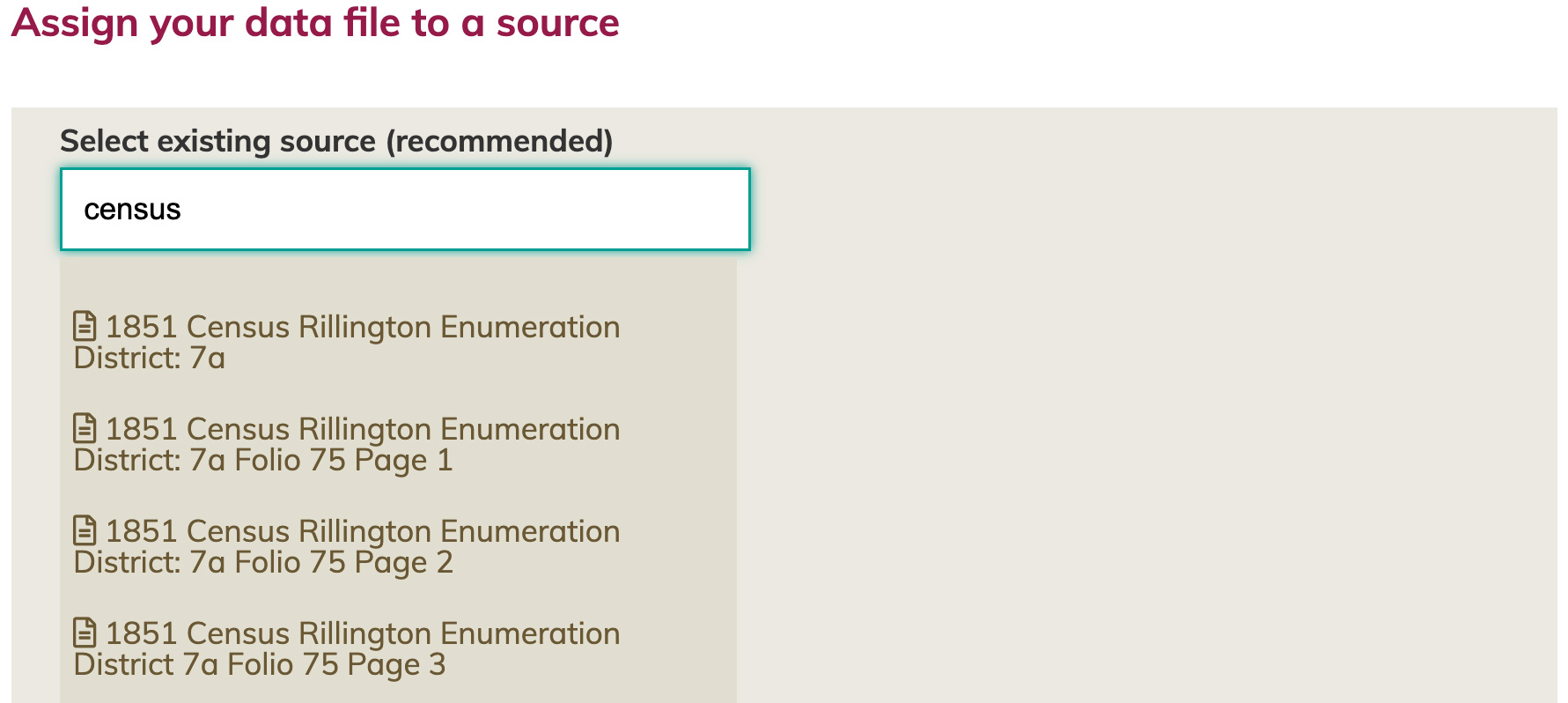
CSV imports are associated with a source record, preserving the integrity of your research.
Once your CSV import is complete, check the Dashboard / Project Overview where you can assess and reflect on the quantity and quality of your import and how your data has been structured into connected Names, Places, Occupations and Sources.
This is the first importer, more are in the pipeline, designed with you in mind. Please enjoy.


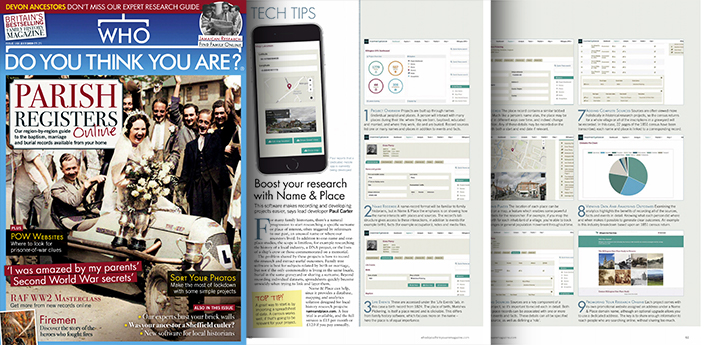 Name & Place is the subject of the Tech Tips feature in July’s edition of Who Do You Think You Are? magazine. The double-page spread breaks down the key aspects of Name & Place into ten tips, offering a useful introduction to the software.