Free trial Sign in
  1. Recording a House History – how to get started

    Category: One-Place Study House History
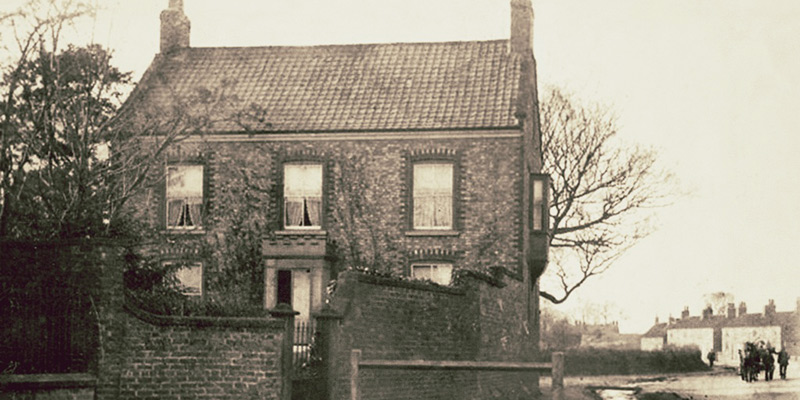
    The Mount to Betsy Refern, Rillington, North Yorkshire

    Hands up if you’re a local or family historian who’s been captivated by the BBC2 programme ‘A House Through Time?’ Yes as we suspected, a sea of hands are creating many waves and ripples! As the backstories are revealed, we learnt in this third series who lived, loved and died in one property in Bristol. Using an eclectic mix of records and sources, the viewer is guided through an historical timeline of events from when the house was first constructed, through to present day. We also witnessed the impact of national and local events on the people who lived there.

    As you start to trace the history of a property and its occupants, we know it can be time-consuming collating the information from a variety of sources. So, if you’ve been inspired to now start your own house history research, then allow Name & Place to keep your work both secure and manageable. As your research grows, our unique software designed as a 3-dimensional layered database, enables you to take slices through your data at any moment in time during the history of the house in order to produce the outcomes you need. Think of a Rubik’s cube which also layers diagonally and it will give you a clue as to the benefits you can achieve. Once your information has been entered, the options as to where you subsequently retrieve, display and share it have few limits.

    Sample house deeds

    Sample house deeds

    After identifying your chosen place be it a dwelling or building, you can now start to gather your sources, maps and old postcards. Successfully locating the precise house and plot of land on a map can be the first challenge as many of the older properties in a rural environment were not allocated numbers until the twentieth century. Once secured, using the Name & Place database, you can start working through this suggested checklist:

    • Add a NEW PLACE and work backwards from what you know. If the deeds are not in your possession then contact the Land Registry to consider your options. https://www.gov.uk/government/organisations/land-registry
    • Layer on an entry from the 1939 Register for a full household transcript and use the 1945 Farm Survey if relevant to take notes of the rooms and their contents. Don’t forget the garden.
    • Previous census imports 1841-1911 may have picked up your place so you can now review the enumerator’s route against a tithe or OS map.
    • Check the 1910 Valuation Office Survey for land use, value, ownership and description.
    • Electoral Rolls and Poll Books may contain names, addresses and qualifications for voting. Always worth a look.
    • Don’t forget Trade Directories can also hold evidence of names and occupations.
    • Rate Books were local taxes for the upkeep of local services so use them. You may discover the names of previous owners of a property.
    • Add sources such as deeds and wills to document the changes in land ownership.
    • Click on MEDIA to download your selected images such as old postcards, present-day views and old photographs.  Once imported you can readily compare, contrast and document any visual changes in both the appearance and structure. This is also where you can add images of tithe, Ordnance Survey and footpath maps.
    • Is the property is a listed building? Check https://historicengland.org.uk/listing/the-list/ and if so, try and establish why and are the reasons still relevant today.
    • People make a house a home so introduce the characters who lived there over time.

    Maps, showing your house’s position in a wider context, can be easily added to your research project.

    Et voila! A house history timeline at your fingertips.
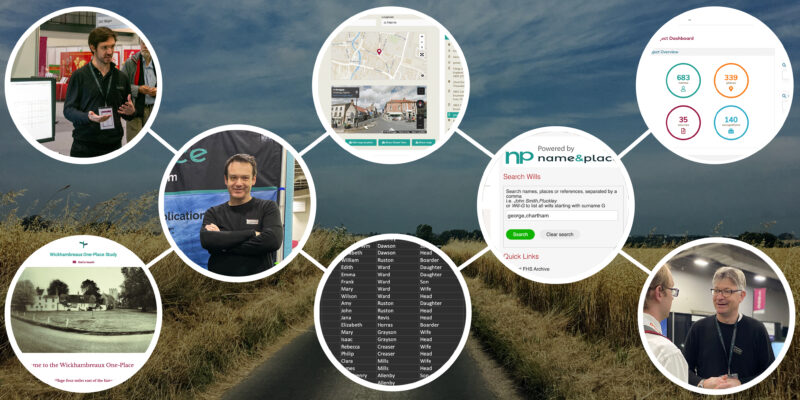
  2. The WOW Factor

    Category: One-Place Study One-Name Study Local History Researching Features

    A long, long time ago, an idea was born… Name & Place. Its birth came from the lack of relevant software to manage a range of data for local history projects. It was quickly apparent that this shortfall could only be addressed by creating our own solution.

    As we explored this innovation further, it soon became apparent – the WOW moment – our solution should be extended to address a challenge faced by all local history researchers. In fact, with a small shift in our thinking, the solution evolved to encompass One-Name / Surname Studies, DNA Projects and House Histories, not by shoehorning to make them fit but offering a dedicated software solution designed exclusively with the special requirements of these researchers in mind.

    Jump forward to the launch of Name & Place at RootsTech 2020 in Utah, February 2020, and now we can share our vision to a wider audience. This has been followed with the release of version 1.1 with the CSV importer, project websites plus unique identifiers and further new features are in the pipeline…

    The N&P WOWs include :

    • Cloud-based single repository for all research i.e. no more multiple spreadsheets, photos in a box etc                                                                
    • A CSV data Importer
    • Your own personal project webpage
    • An easy to read dashboard giving an overview of your project
    • Multiple uses such as names, places, war memorials, boats, graveyards to name a few
    • Suitable for both individuals or organisations
    • Digital mapping linked to Google Maps
    • Multi-type storage and displays: photos, videos, certificates, transcripts…

    Differentiators from other software

    • Added value to family history research by enabling community and house history to track societal change and produce outcomes such as occupations and mortality
    • Designed by local history researchers and genealogists who understand what a research project is and the importance of full academic sourcing
    • Management of common surnames where the link is not by family, as is seen in one-name studies
    • 3-dimensional layered database

    … to be continued; stay excited!

  3. CSV Importer

    Category: News How To Guides Technical

    We are immensely proud of our Comma Separated Values (CSV) Importer, a major feature of v1.1 released last week and we hope all you researchers will find it a huge asset.

    Traditionally, records were transcribed and recorded in a spreadsheet format where details were captured such as name, address, occupation and birthdate.

    An example CSV file of historical data

    Now, located within Tools on the navigation bar, the importer enables the rapid import of spreadsheets saved, in CSV format, to ensure a speedy population of a database from census, parish registers, electoral rolls or a simple list of names recorded from a book index. Of course, you may just wish to manually enter data into your project and that’s fine too.

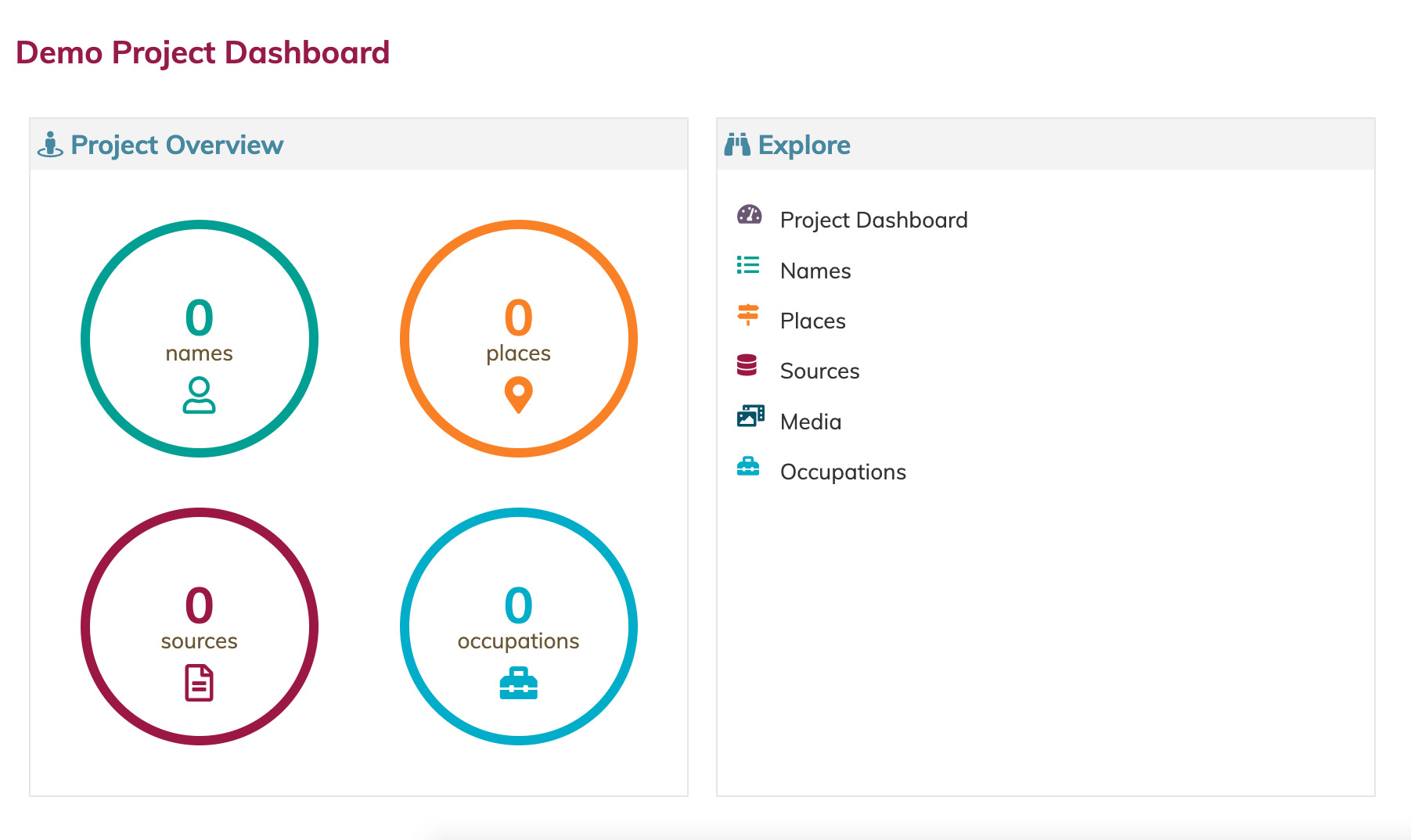
    The Dashboard for an empty project

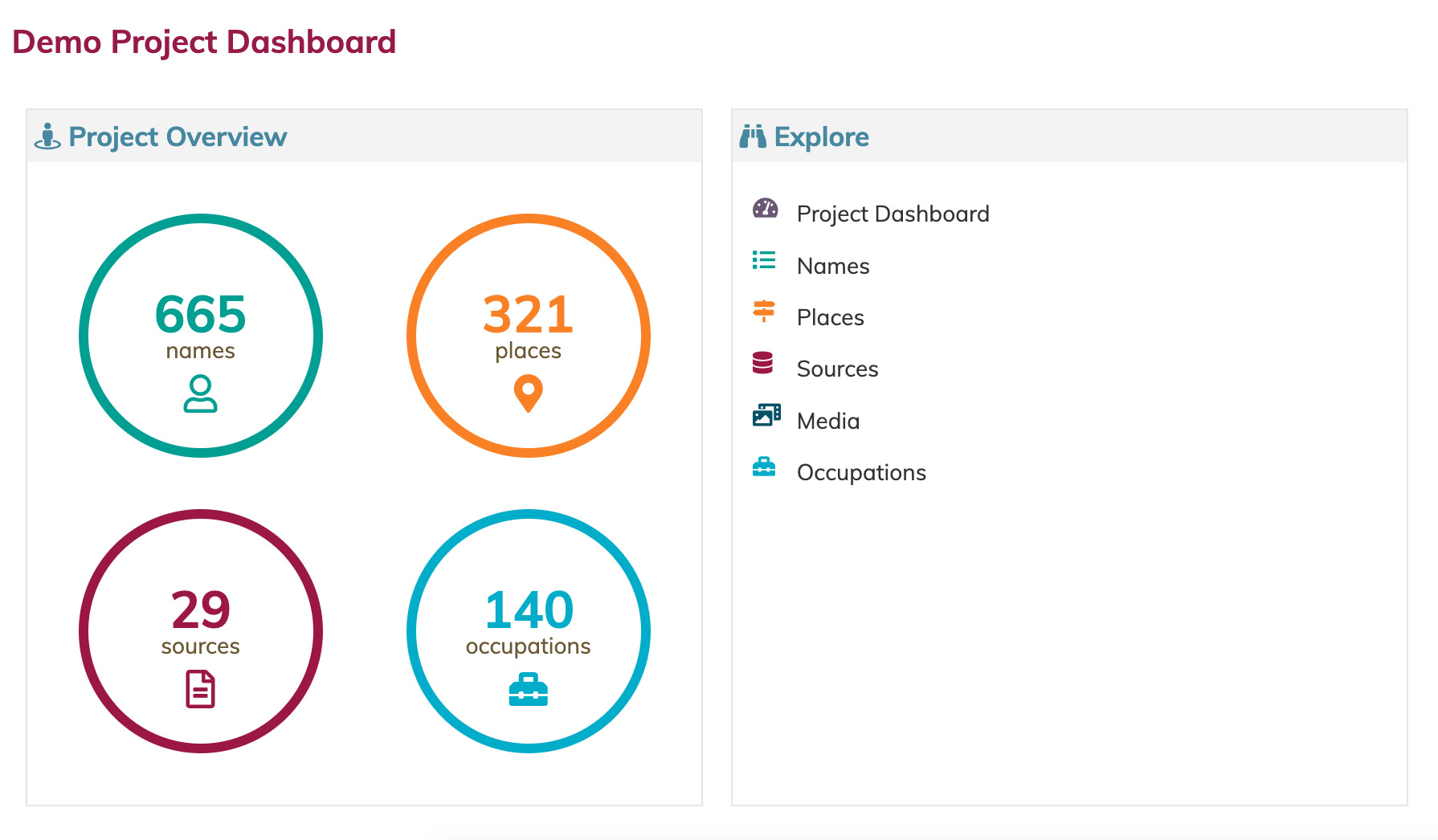
    The same project after a CSV import.

    To assist you in structuring your data to be compatible with our importer, we have produced some CSV templates which can be found in Help > Help And Support > Resources on the Navigation Bar. Full instructions are provided to retain compatibility and recognise Name & Place headings and guide you effortlessly through the import process. We recommend using the original source details within a hierarchy to best analyse your research and again, full directions are available. We are currently filming a YouTube video for those who prefer visual assistance as we all have different learning styles.

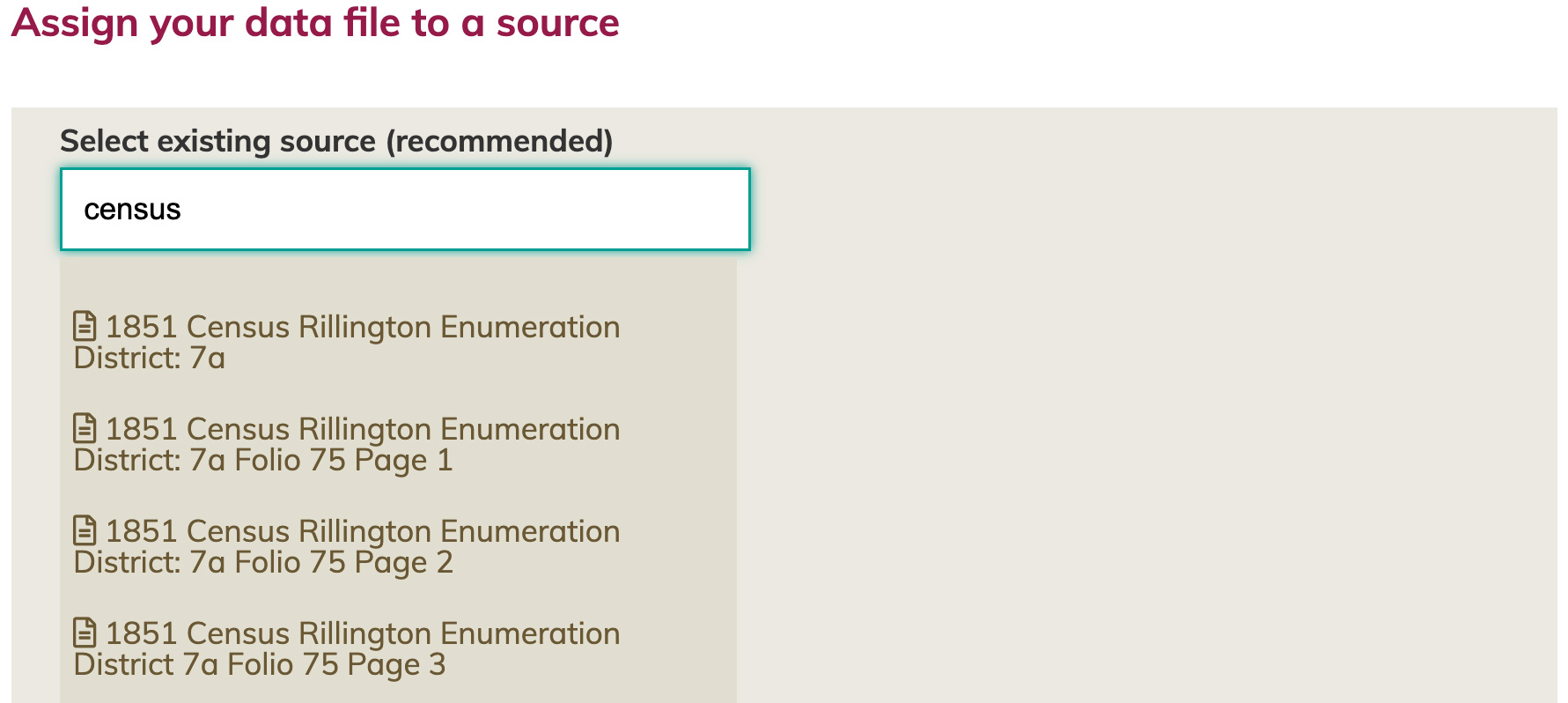
    CSV imports are associated with a source record, preserving the integrity of your research.

    Once your CSV import is complete, check the Dashboard / Project Overview where you can assess and reflect on the quantity and quality of your import and how your data has been structured into connected Names, Places, Occupations and Sources.

    This is the first importer, more are in the pipeline, designed with you in mind. Please enjoy.